How to connect SoundCloud to your LISTEN button

If you're a Music Artist (producer, DJ, or live band), the pink LISTEN button on your profile plays your SoundCloud track or set directly in-page. No redirect, no leaving your profile. This guide walks you through copying your SoundCloud embed code into your dashboard so the button works in under 5 minutes.

Back to all guides

Pick what powers your LISTEN button

Decide on SoundCloud what fans hear when they click LISTEN. Single track for a focused showcase, Set (playlist) if you want fans to browse multiple tracks in the player — Sets work best because the whole tracklist is scrollable inside the modal.
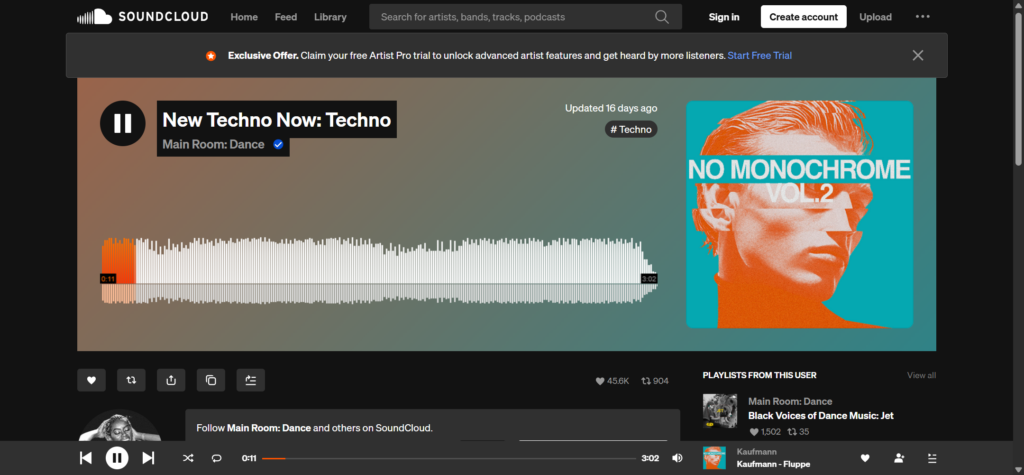
Pick what powers your LISTEN button

Make sure it's Public

On your track or Set on SoundCloud click Edit → in the Basic info tab set Privacy to Public → save. Private items won't load on your Psytrance Artist profile.

Copy the embed code

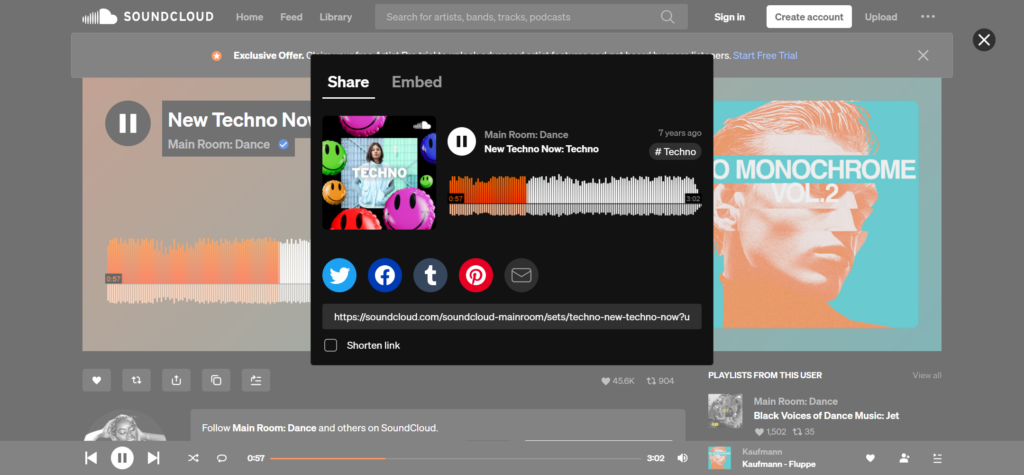
Still on SoundCloud, open the track or Set → click Share → switch to the Embed tab → click Copy code. Ignore the color and size options — we override them with our brand automatically.

Copy the embed code

Open your Account

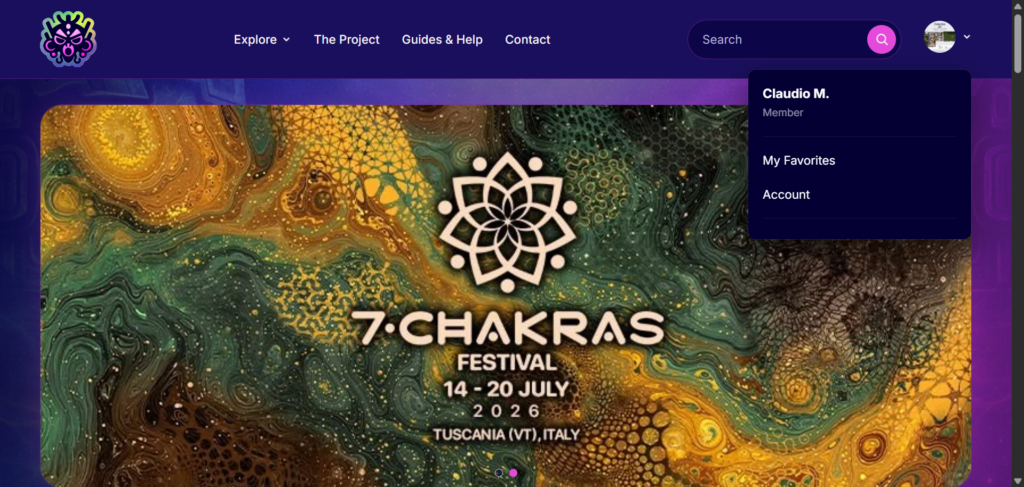
Back on Psytrance Artist → click your avatar in the top-right corner → Account

Open your Account

Open your profile to edit

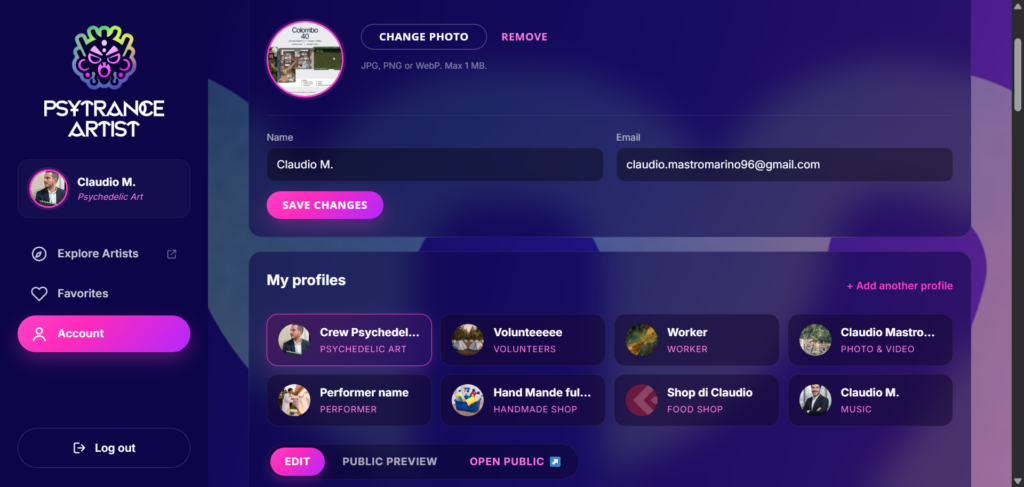
If you have only one profile it opens straight into edit. If you have more than one (e.g. producer + live band), pick the one you want from the profile list, then click Edit.

Open your profile to edit

Find the LISTEN button section

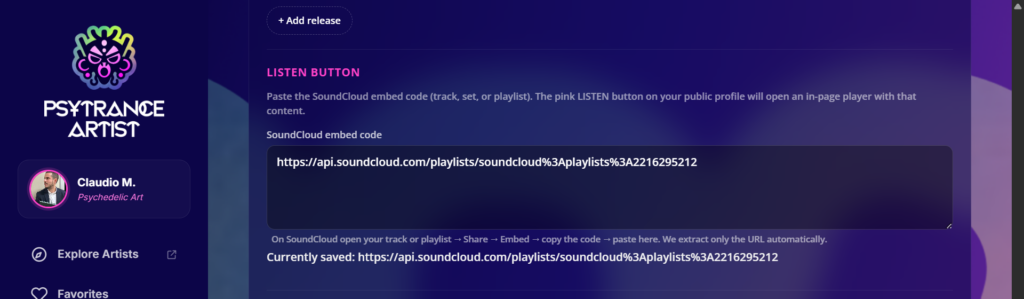
Scroll down past Releases. You'll see a section called LISTEN button with a textarea labeled "SoundCloud embed code".

Find the LISTEN button section

Paste and save

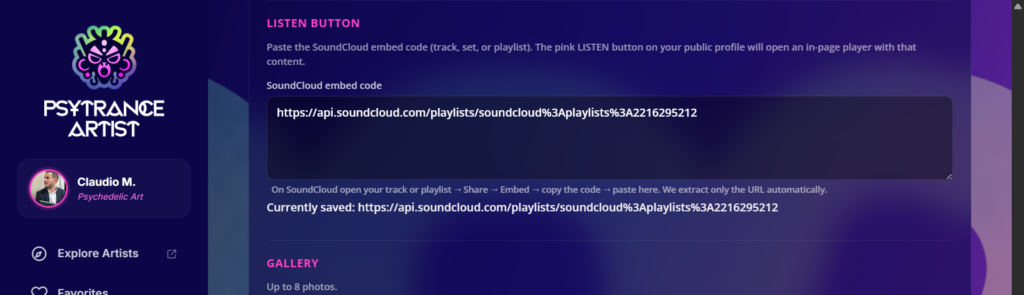
Paste the full iframe code into the textarea → click Save profile at the bottom. We extract only the SoundCloud URL — no tracking, no third-party colors, nothing else is stored. After save, reload the page: you'll see a line under the textarea reading "Currently saved: https://api.soundcloud.com/..." confirming the URL was picked up.

Paste and save

Test it live

Open your public profile (/artist/your-slug/) → click the pink LISTEN button in the hero. A centered modal opens with your SoundCloud player — tracklist scrollable if you used a Set, autoplay on.

Test it live